Talk through the task.
Keep building.
Dictate prompts to your AI coding tools, explain a bug, or draft a code review. Press your hotkey, speak, and put the text where you are already working.
$79 one-time · macOS, Windows & Linux
Local transcription needs no API key. Optional cloud usage is billed separately.
A spoken prompt, straight into Codex.
A short excerpt from the creator's recording. Watch the spoken request appear in the terminal.
One-time license. 30-day money-back guarantee.
Read the spoken prompt
Hey, I'm going to need you to do something with my VoiceForge app. We're going to run some optimizations. Wait for the next prompt.
Give your tools the full context
Use your voice for the explanation, then review the text before you send it.
A global hotkey
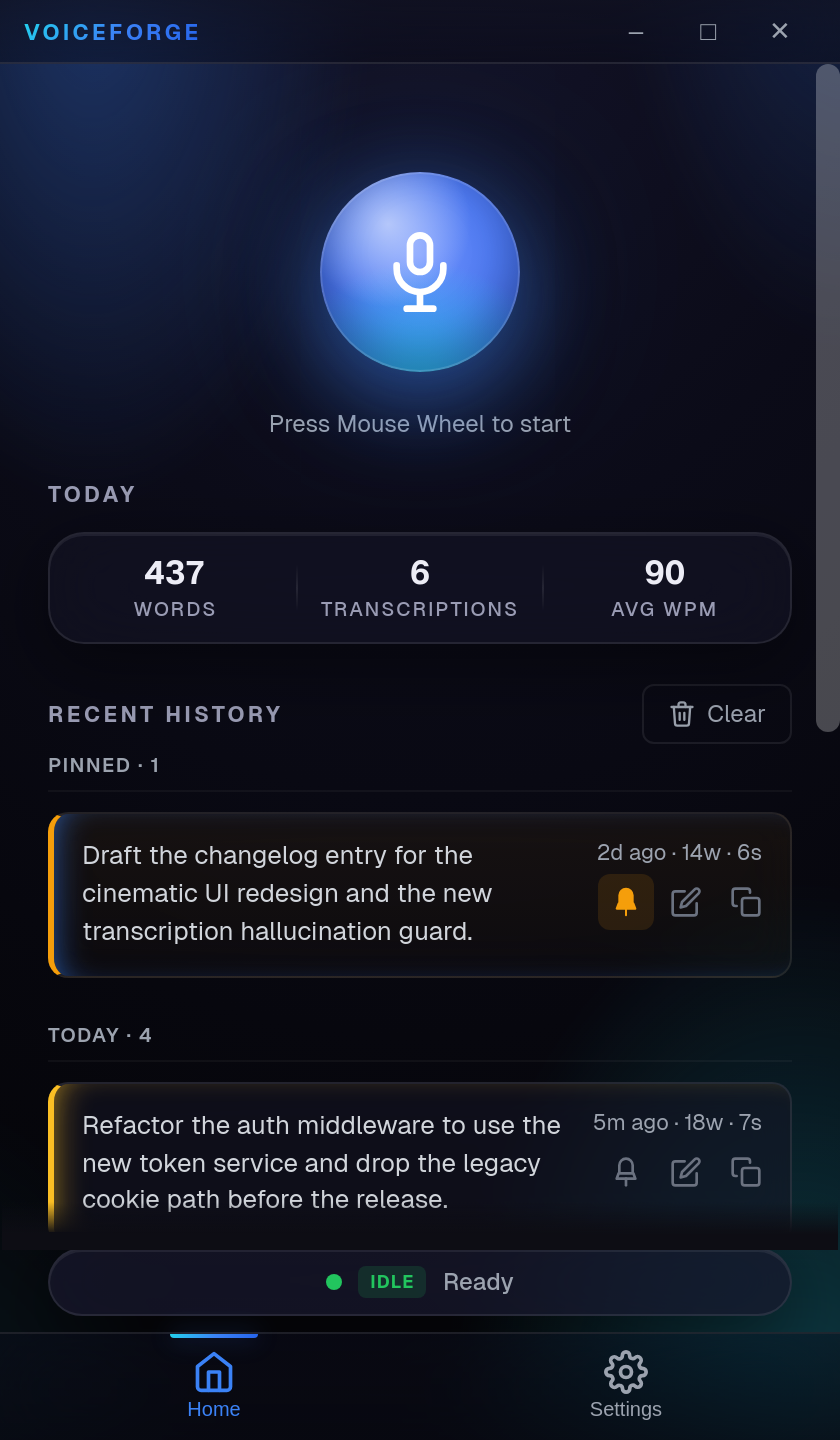
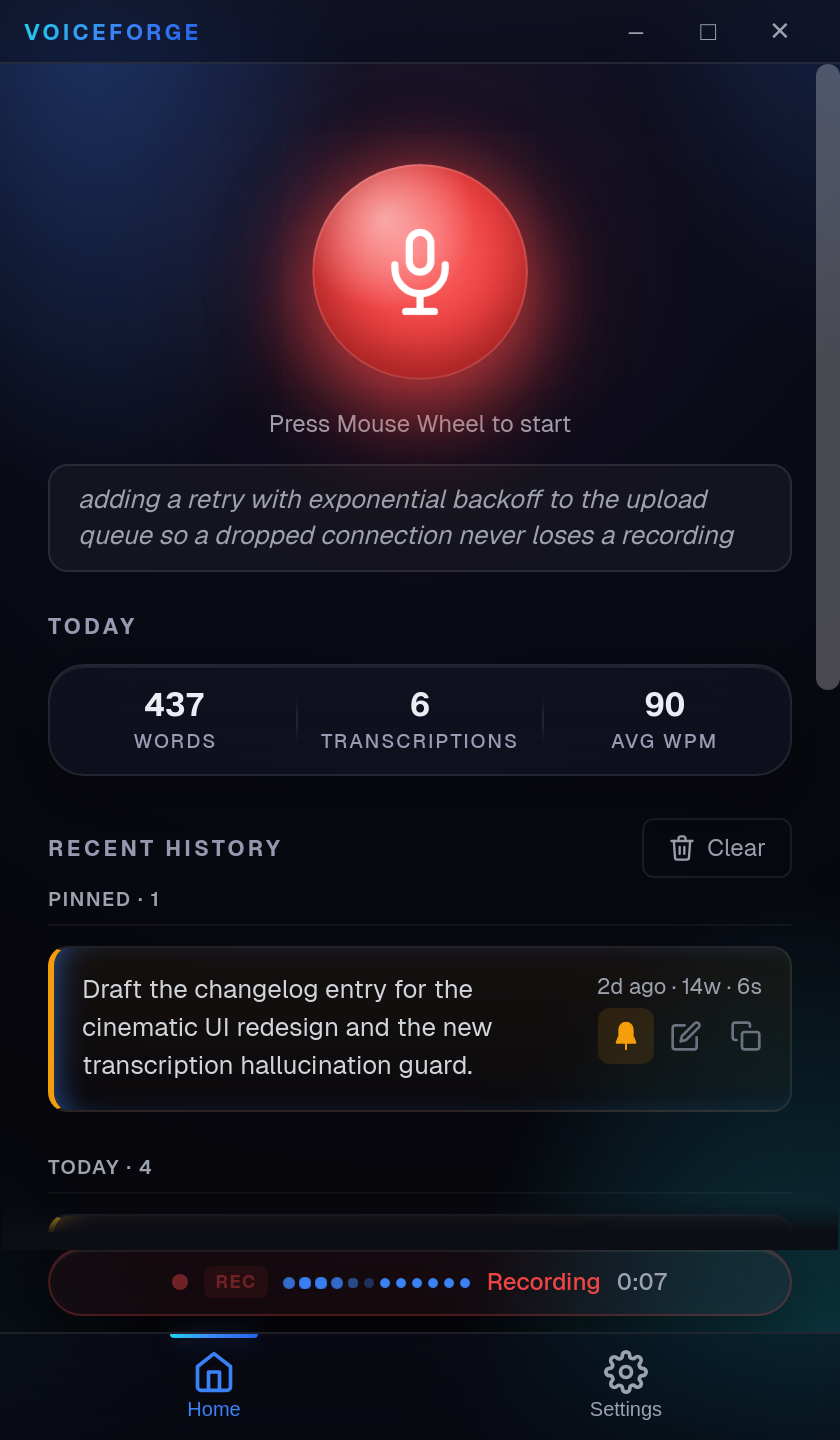
Record from your current app and paste the transcript at your cursor. Processing time depends on your setup.
Optional AI cleanup
Use AI Auto-Rewrite to tidy spoken text. Review names, commands, and meaning before sending.
Your technical vocabulary
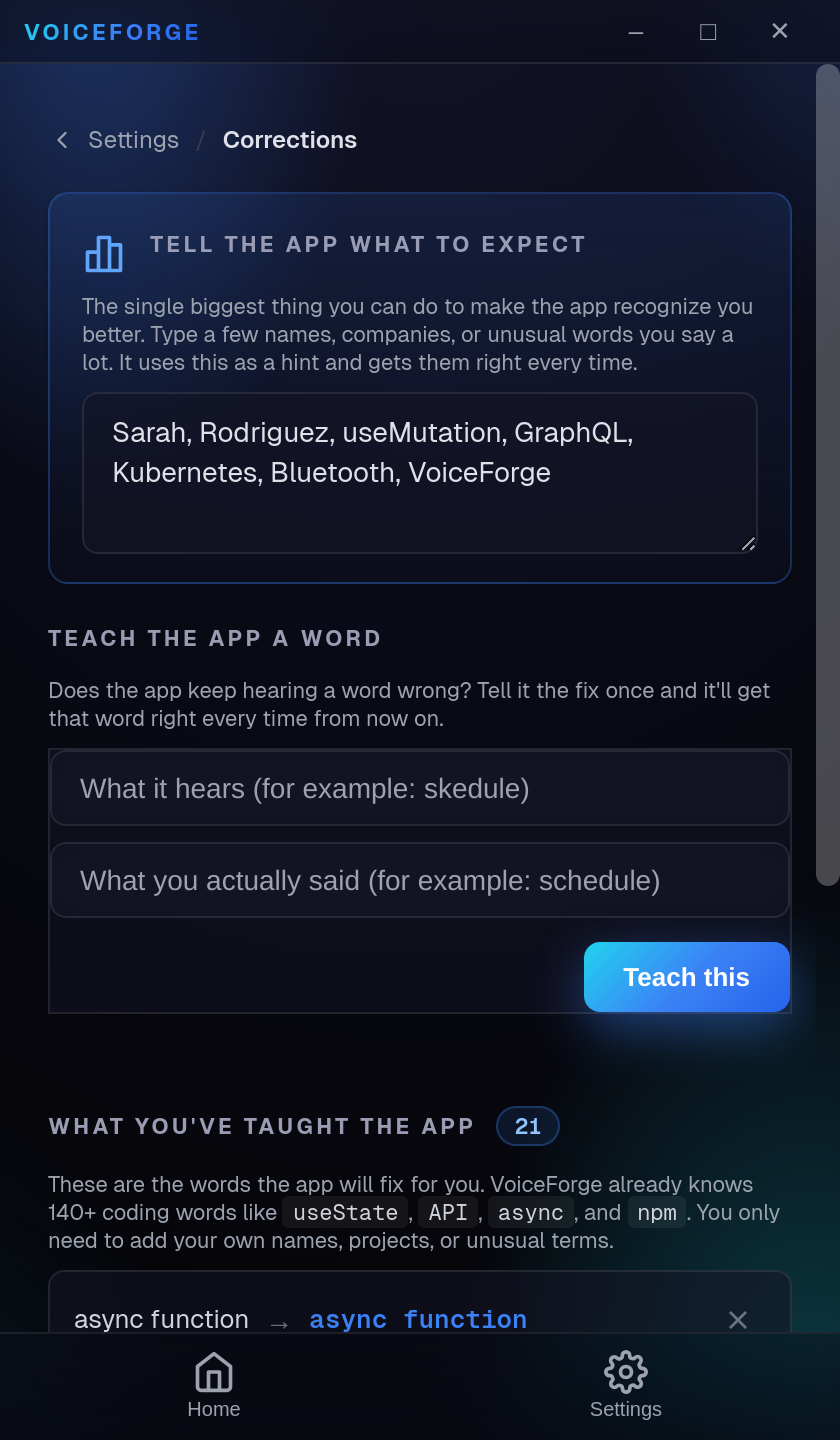
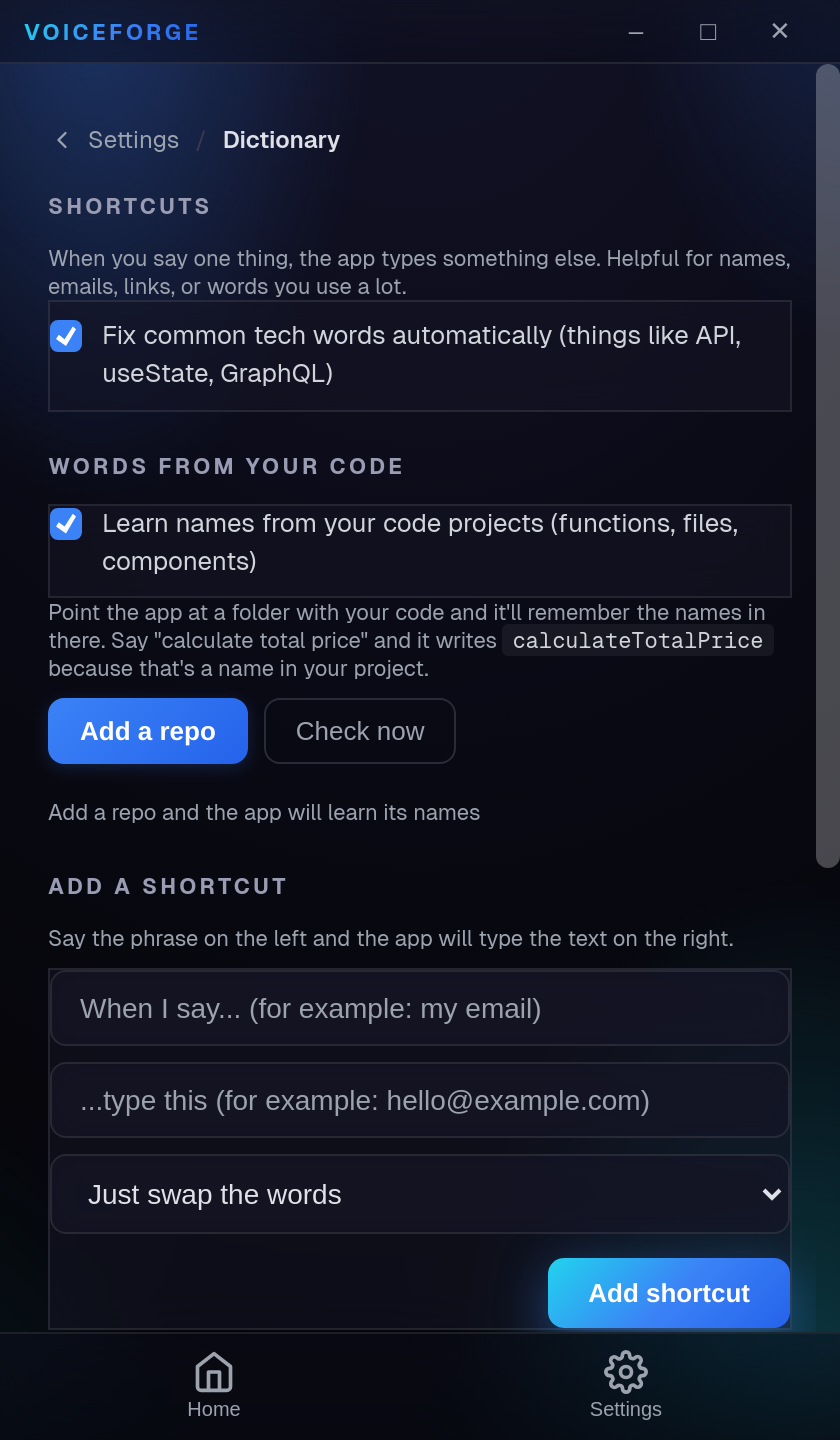
Add names and technical terms to the dictionary and use corrections for your own vocabulary.
Local transcription
Transcribe with a downloaded Whisper model on your computer. Cloud transcription and AI cleanup are separate choices.
How it works
Press your hotkey
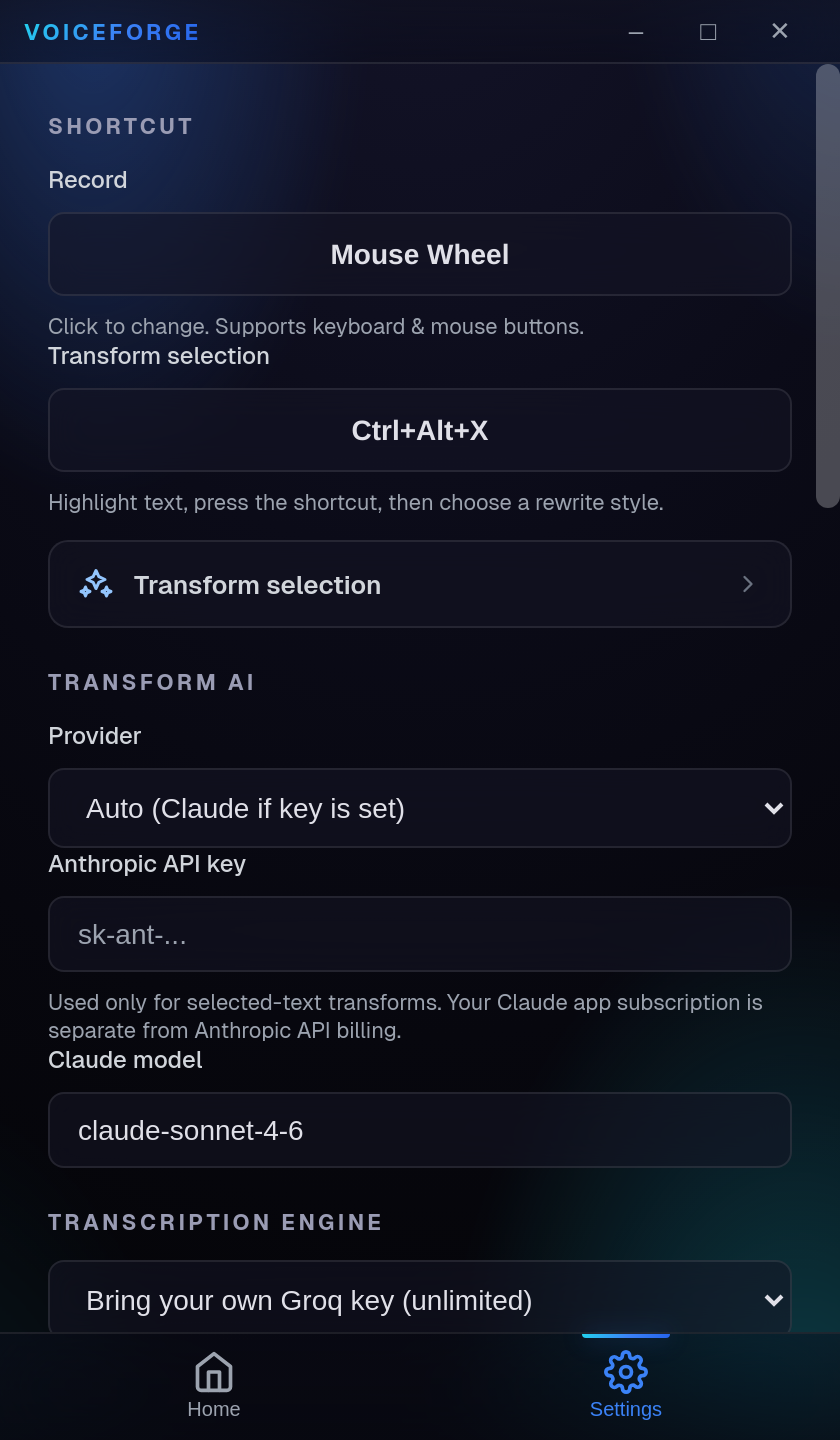
Set your shortcut and allow microphone and paste permissions for your operating system.
Speak naturally
Describe the task in complete sentences, including context and constraints.
Get clean output
Your selected model transcribes the recording. Dictionary and correction settings help with recurring terms.
Pasted where you were
Paste into your current app, then review the wording before you send it.
See it in action
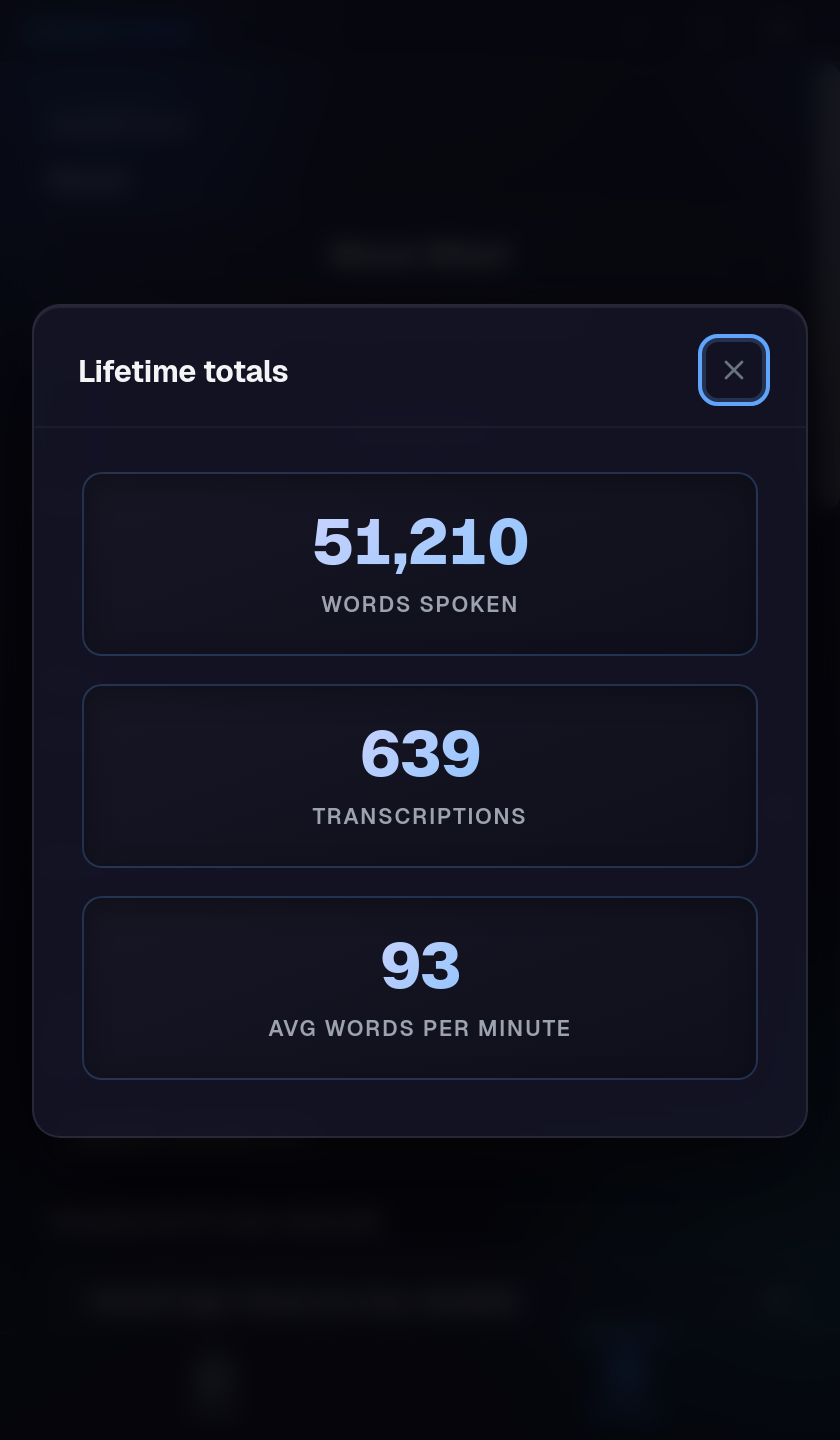
Recording controls, transcription history, and settings for your vocabulary and preferred provider.
One price. Yours forever.
The app license is $79 once, including future updates. Local transcription has no provider bill. Optional cloud transcription and AI cleanup use your own provider account and may incur separate charges.
- No VoiceForge transcription quota
- Optional AI Auto-Rewrite
- Voice profile learning
- Dictionary + auto-casing
- Global hotkey + auto-paste
- Your own key for optional cloud services
- Offline local mode
- All future updates included
- Priority support
- No VoiceForge app subscription
Choose where transcription happens
Local: download a Whisper model and transcribe on your computer without an API key. Speed depends on your hardware and model.
Cloud: add your own provider key. Audio is sent to that provider for transcription; AI cleanup may send text to the selected provider. Their rates and data policies apply. For a local-only workflow, keep cloud transcription and cloud cleanup off.
Why your dictated text reads like a transcript
Ten practical ways to make spoken drafts easier to use, from planning a sentence to reviewing the result.
You will also be first on the list for the managed tier, which needs no API key. No other email, ever.
Questions, answered
Everything worth knowing before you buy.
Do I need an API key?
Not for local transcription. Download a Whisper model to transcribe on your computer. Optional cloud transcription and cloud AI cleanup require your own provider key.
Is my audio and text private?
Local transcription processes audio on your computer. Cloud transcription sends audio to your chosen provider; cloud AI cleanup can send transcript text to the selected provider. Provider data policies apply. Keep both cloud options off if you need a local-only workflow.
Which platforms are supported?
macOS (Apple Silicon and Intel), Windows, and Linux (AppImage and .deb). One purchase covers every device you use.
How does pricing work?
VoiceForge costs $79 once, including future updates. There is no recurring app license fee. Local transcription has no provider usage bill. Optional cloud services are billed separately by your provider.
What if it is not for me?
Every purchase has a 30-day money-back guarantee. Email hello@usevoiceforge.com within 30 days for a full refund.
Give your next prompt
the context it needs.
Speak the task, review the text, and send it to your coding tool.